LITEHEAD ARCHIVE

“litehead” is my cinematic voice layered in a dusty VHS tape in the attic. I illustrate discomforting visuals and stories that speak to the unseen.

Edits • Birthday Parties • Quinceañeras • Music Videos • Commercials & many more at a cheap price!

THE NEW VIDEO
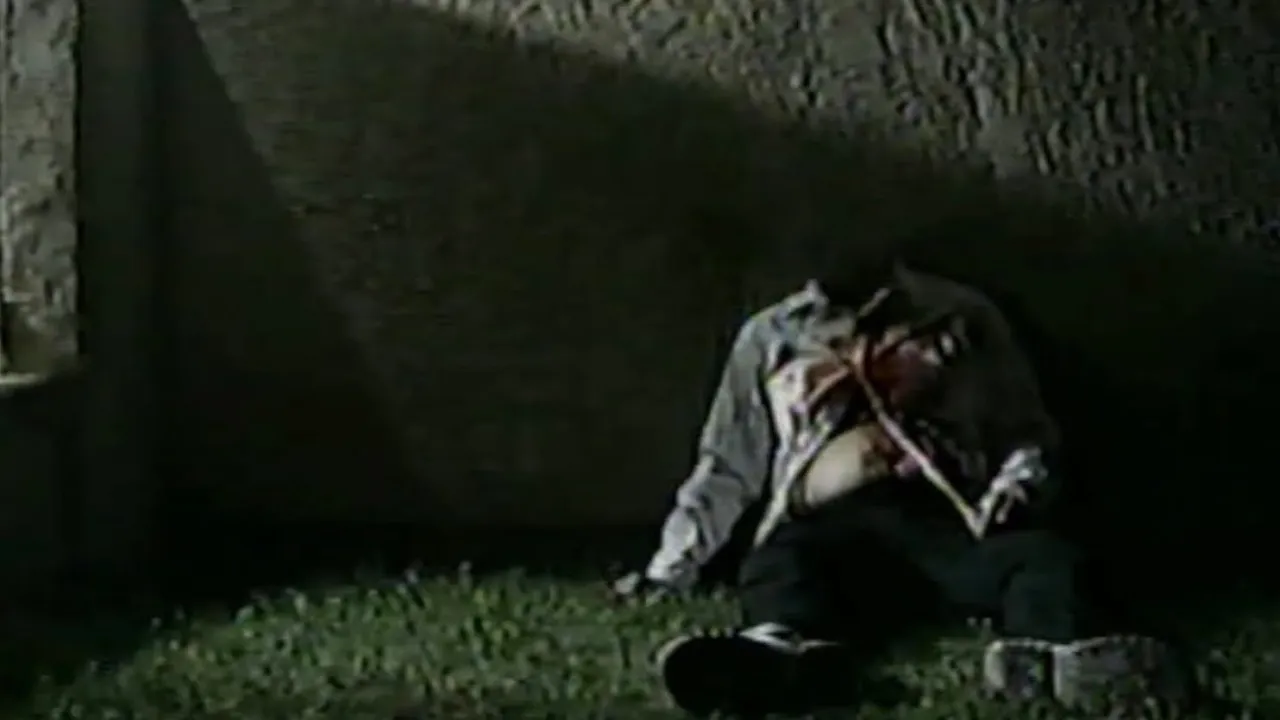
OCTOBER 31, 1999

"OCTOBER 31, 1999" (2025)
Genre: Horror


LITEHEAD BSOD

🎥‧₊˚ Need a multi-skilled affordable videographer to capture a raw moment or needing a helping-hand in your productions? I film, write, design, & edit videos straight from a fever-dream.Whether you need a real VHS tape recording, or a indie-styled music video, a cinematic edit for your brand. I can bring the "liteheaded" vision into your content. All on a budget that won’t break you.📩 Ready to book?
Head to book.litehead.tv to start your project today!


MY WORK

Video

"HOMECOMING INTERVIEWS" (2023)
Genre: Journalism

Video

"All-You-Can-Eat Gym" (2024)
Genre: Experimental Comedy

Video

"OCTOBER 31, 1999" (2025)
Genre: Horror

Video

"The Raider Show" (2024)
Genre: Educational Comedy

Video

"LiteNow!" (2025)
Genre: Satirical News

Video

"Parasocial Awareness PSA" (2025)
Genre: Social Commentary


Editing, recording, thumbnails, designs and everything are done
by Maximus Casillas


Booking & Inquiries 💿

Video

© Litehead Entertainment 2025. All rights reserved.

LITEHEAD_TMP_AUX-91B(deleted)
X
Playing: LITEHEAD_ARCHIVE.AVI
						A problem has been detected and Litehead has been shut down to prevent damage
						to your system.
						
						UNMOUNTABLE_LITEHEAD_VOLUME
						
						If this is the first time you've seen this Stop error screen,
						restart your computer. If this screen appears again, follow
						these steps:
						
						Make sure any new Litehead hardware or software is properly installed.
						If this is a new installation, contact your Litehead provider for
						any updates you may need.
						
						If problems continue, disable or remove any newly installed hardware
						or software. Disable BIOS memory options such as caching or shadowing.
						If you need to use Safe Mode to remove or disable components, restart
						your computer. Press F8 to select Advanced Startup Options, and then
						select Safe Mode.
						
						If you need technical assistance, contact your Litehead system
						administrator or technical support group.
						
						---------------------------------------------------------------
						
						Technical Information:
						
						*** STOP: 0x000000ED (0xL1T3HEAD, 0x0000009C, 0x00000000, 0x00000000)
						
						Beginning dump of physical memory...
						Dumping Litehead memory to disk: 100%
						Memory dump complete.
						Contact your administrator or Litehead support for further instructions.
						
It watches back.
Litehead Notification
×

You're watching Litehead.